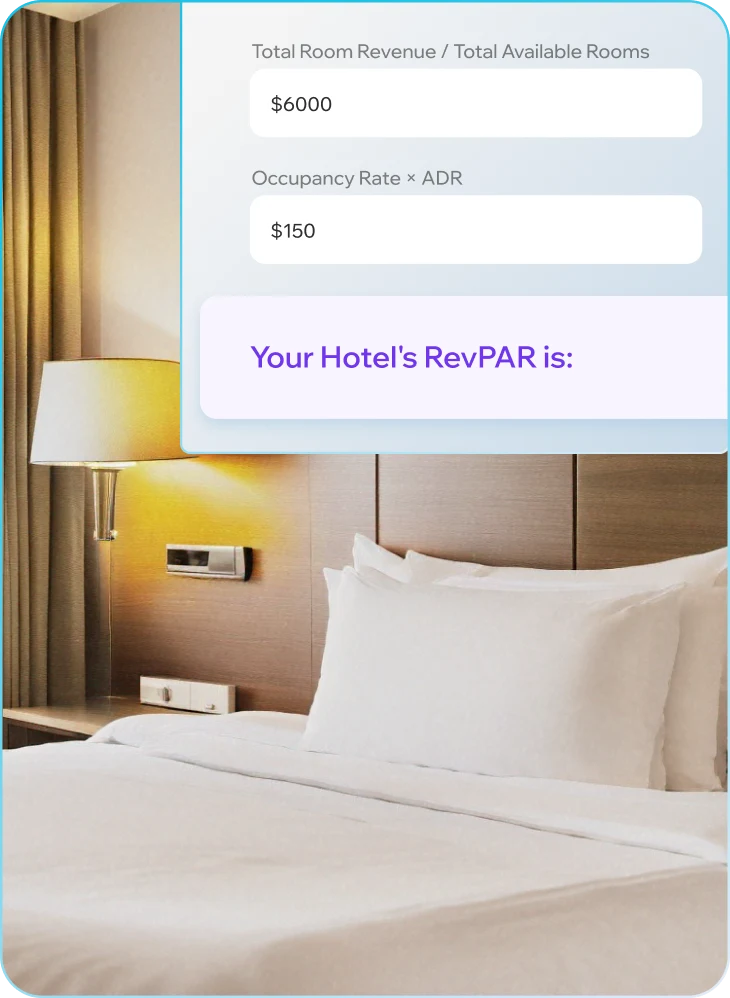
Hotel RevPAR Calculator
Calculate your hotel's revenue per available room instantly. Understand whether your results reflect a pricing problem, an occupancy problem, or both - and what to do about it.

Calculate your Hotel’s RevPAR

What is RevPAR and Why does It Matter?
Revenue Per Available Room (RevPAR) is the most widely used metric for measuring how effectively a hotel converts its room inventory into revenue. Unlike ADR, which only reflects the price of rooms that were sold, RevPAR accounts for every room in the hotel - occupied or not. That distinction makes it the most complete single number for evaluating revenue performance.
RevPAR can be calculated two ways, depending on the data you have:
RevPAR = Total Room Revenue / Total Available Rooms
orRevPAR = Occupancy Rate × Average Daily Rate (ADR)
Both formulas produce the same result. The second is often more useful for diagnosis because it immediately shows whether RevPAR is being held back by pricing (ADR) or by how many rooms you're actually selling (occupancy).
For example: if your occupancy rate is 75% and your ADR is $160, your RevPAR is $120. If your competitor has an 85% occupancy at $140 ADR, their RevPAR is $119 - almost identical, but driven by a completely different mix of pricing and volume. Understanding that difference is where RevPAR becomes a strategic tool, not just a reporting number.
Why RevPAR Matters for Hoteliers
RevPAR reflects both how well you're pricing rooms and how well you're filling them - no other single metric captures both at onceForecast demand and adjust pricing dynamically
A declining RevPAR is one of the earliest signals that something is wrong with demand, pricing strategy, or both
RevPAR enables meaningful comparison against competitors and your own historical performance across seasons
It connects directly to revenue forecasting, budget planning, and yield management decisions
RevPAR trends reveal whether rate increases are holding under demand pressure or being eroded by discounting
Improving RevPAR is often more profitable than improving occupancy or ADR alone - because it requires addressing the right lever, not just the most obvious one
How the RevPAR Calculator Works?
The HotelSmarters RevPAR Calculator gives you an accurate result in seconds. Enter your Total Room Revenue and Total Rooms Available for any period - or use your Occupancy Rate and ADR - and get your RevPAR instantly.
No spreadsheets. No formula lookup. Just a clear number you can act on immediately.
Supports both calculation methods depending on the data you have available
Works for any property type, date range, or market segment
Ideal for hotel owners, revenue managers, GMs, and hospitality consultants
Optimized for both mobile and desktop use
Once you have your RevPAR, the most important step is understanding what it's actually telling you - whether the issue is on the rate side, the occupancy side, or something else entirely.
Simple Steps to Calculate RevPAR
Improving GOPPAR requires working on both sides simultaneously: growing revenue and reducing the cost required to generate it. The properties that consistently deliver strong GOPPAR work on three layers:
You can calculate RevPAR in two ways, depending on what data you have:
- Total Room Revenue – The income generated from all room sales during a specific period.
- Total Available Rooms – The number of rooms in your hotel multiplied by the number of days in the period.
Example: If you have 100 rooms and you're calculating for 30 days, the total available rooms = 100 × 30 = 3,000.
You'll need two key figures:
Formula 1: RevPAR = Total Room Revenue / Total Available Rooms
Formula 2: RevPAR = Occupancy Rate × Average Daily Rate (ADR)
Example: If your occupancy is 80% and your ADR is $150, then RevPAR = 0.8 × 150 = $120.
The resulting RevPAR value shows how much revenue you're generating for each available room, whether it's sold or not.
- A higher RevPAR means you're either selling more rooms, charging higher rates, or both.
- A lower RevPAR may indicate the need for pricing adjustments, better marketing, or revenue strategy improvements.
What a Low RevPAR Really Means
When RevPAR is underperforming, the number itself rarely tells you why. That's what makes it both a powerful metric and a frustrating one. A low RevPAR can be caused by weak occupancy, suppressed ADR, or both in combination, and the right response is completely different depending on which driver is responsible.
Hotels with persistently low RevPAR tend to follow one of two patterns. The first is over-discounting: occupancy looks healthy but ADR has been driven down to fill rooms, and the revenue gap is masked by strong booking volume. The second is under-demand: pricing is set correctly but rooms aren't filling, which indicates a distribution, marketing, or competitive positioning problem rather than a pricing one.
In both cases, RevPAR acts as the early signal. But without knowing which pattern applies - and without the operational tools to respond - most hotels either cut rates further or do nothing, making the underlying problem worse.
The goal is not simply to raise RevPAR, but to understand which component is limiting it and address that root cause with precision.