What's New
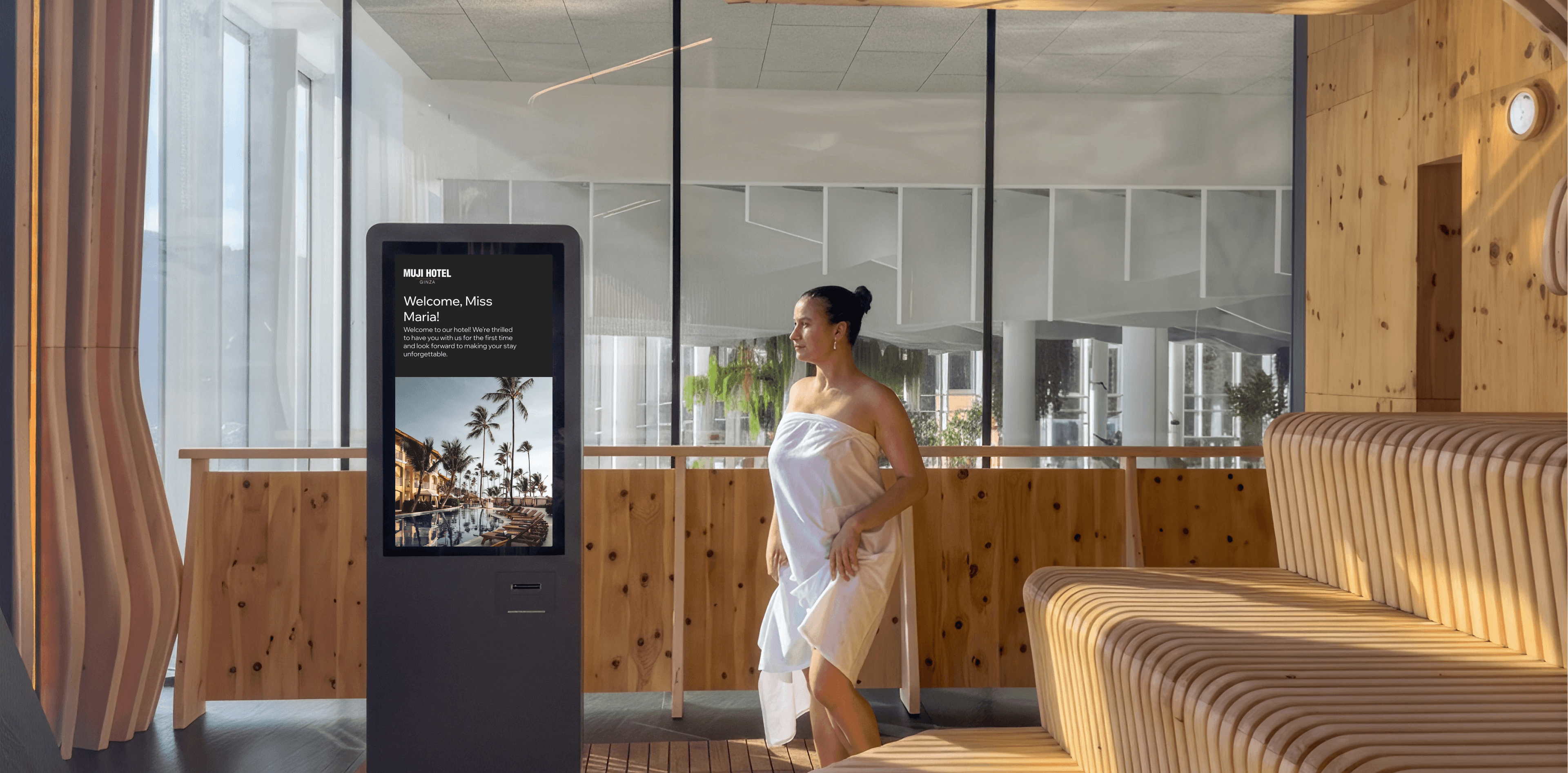
HotelSmarters completes the first Digital Signage MVP, giving hotel admins centralized content management for screens in lobbies and other public areas.
What It Does
- Cross-device app installation — hotel IT technicians can download and install the signage app (APK, EXE, and other formats) on any digital signage hardware, including Android TV boxes and Windows, Linux, or Smart TV devices.
- Activation code pairing — at launch, each installed app displays a unique activation code that staff use to securely pair the device with the central dashboard.
- Device activation in the admin panel — admins enter a device's activation code to assign it to a specific screen, allowing devices to be managed remotely without touching the hardware.
- Named screens — admins create screens as logical entities (for example, "Lobby Display") and assign a device to each one, keeping every physical display organized and easy to reference.
- Media assignment — admins add images, videos, or HTML content to a screen, controlling what's shown and in what sequence or layout.
- Screen reassignment — admins can swap the screen assigned to a device at any time, changing what it displays without reinstalling the app or touching the hardware.
Why It Matters
Hotels can now stand up and manage digital signage across lobbies and public areas entirely from the admin panel, with no reinstalls or on-site IT work needed to update content or reassign displays.
Admins get a single, centralized place to control what every screen in the property shows.
- What's New
- What It Does
- Why It Matters
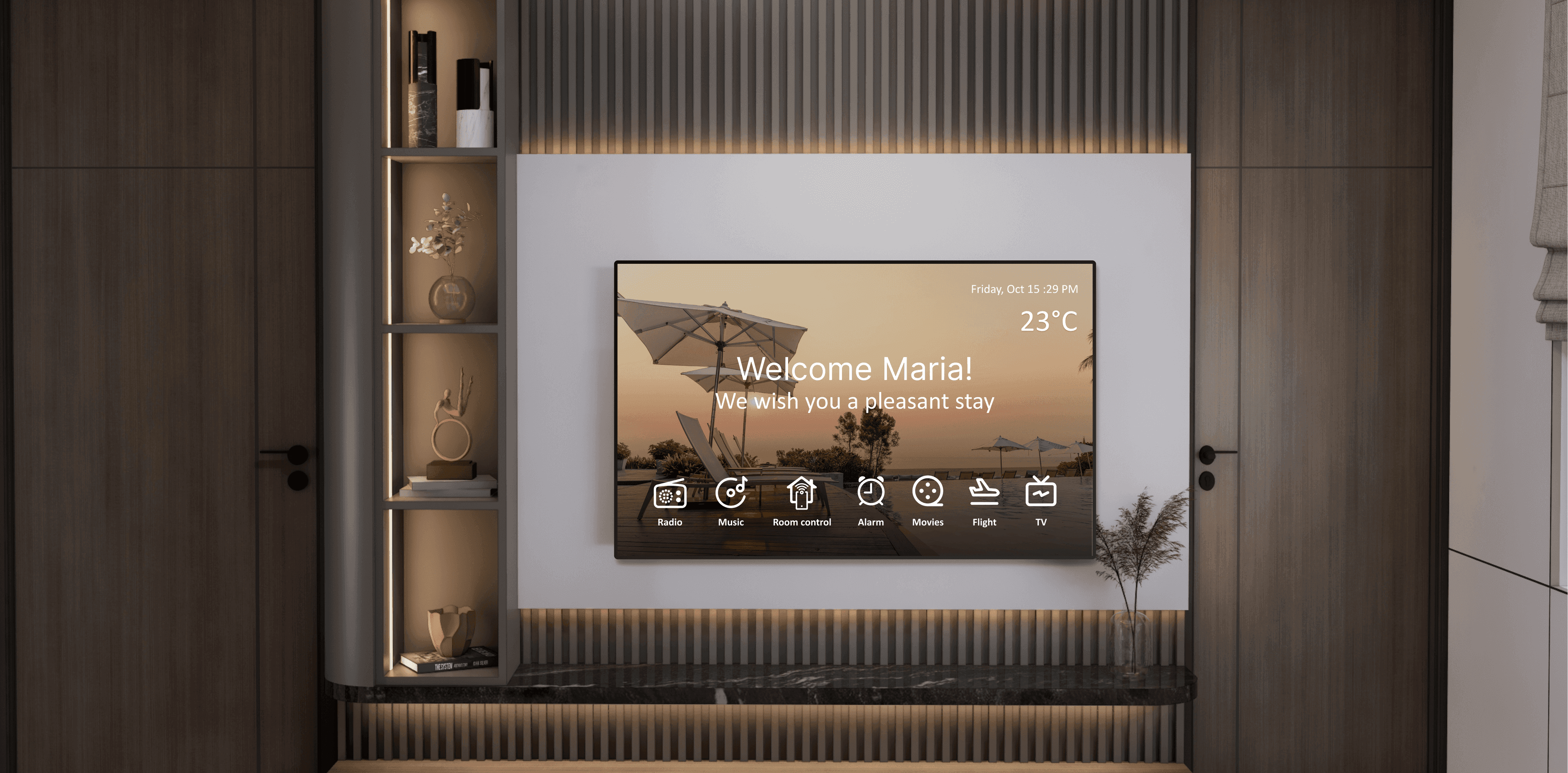
HotelSmarters launches Version 2, expanding the platform beyond Interactive TV and Guest Room Management into a complete hospitality guest-experience platform.
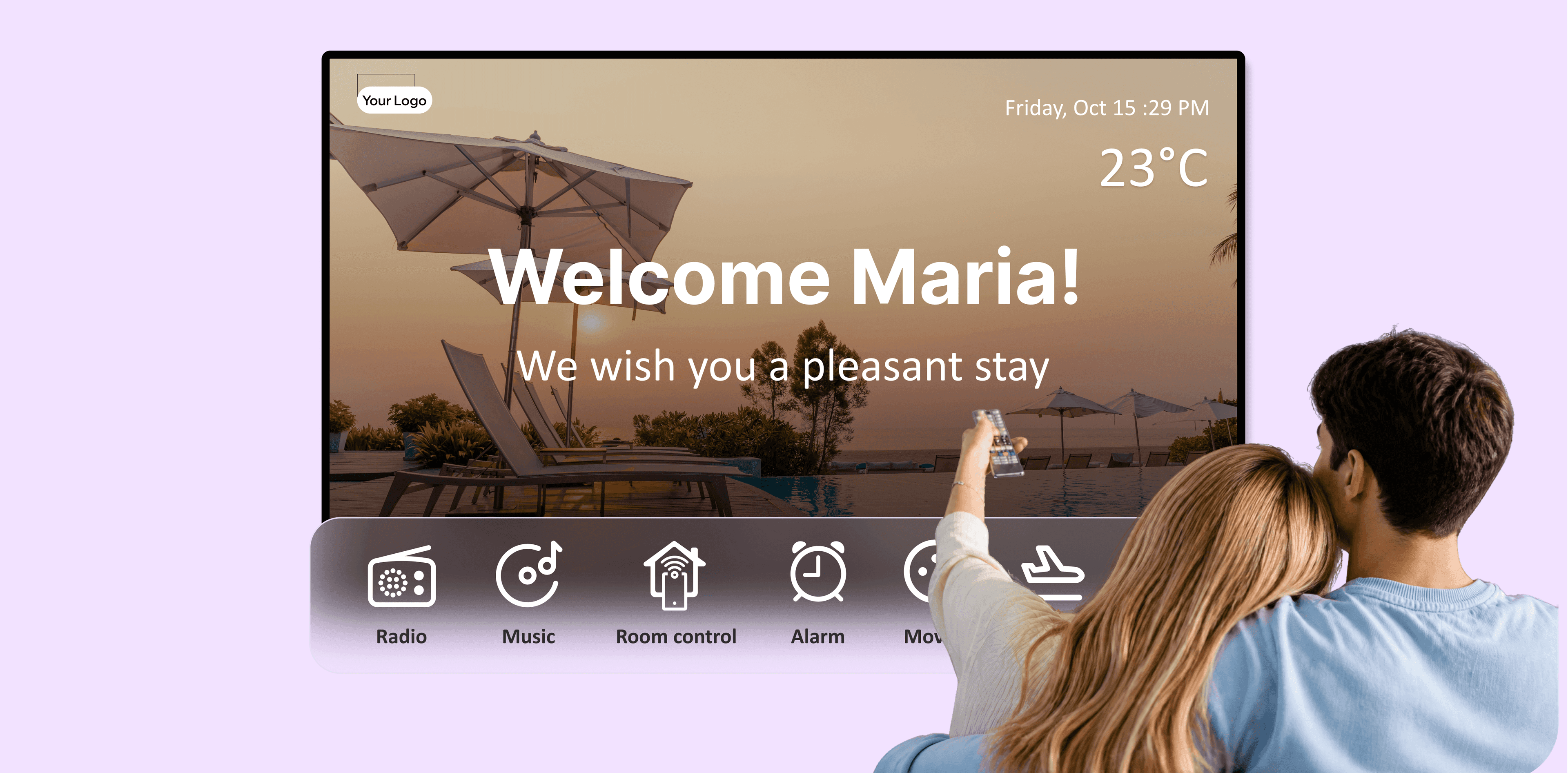
HotelSmarters launches with an Interactive TV solution for hotel rooms, integrated with a Guest Room Management System.
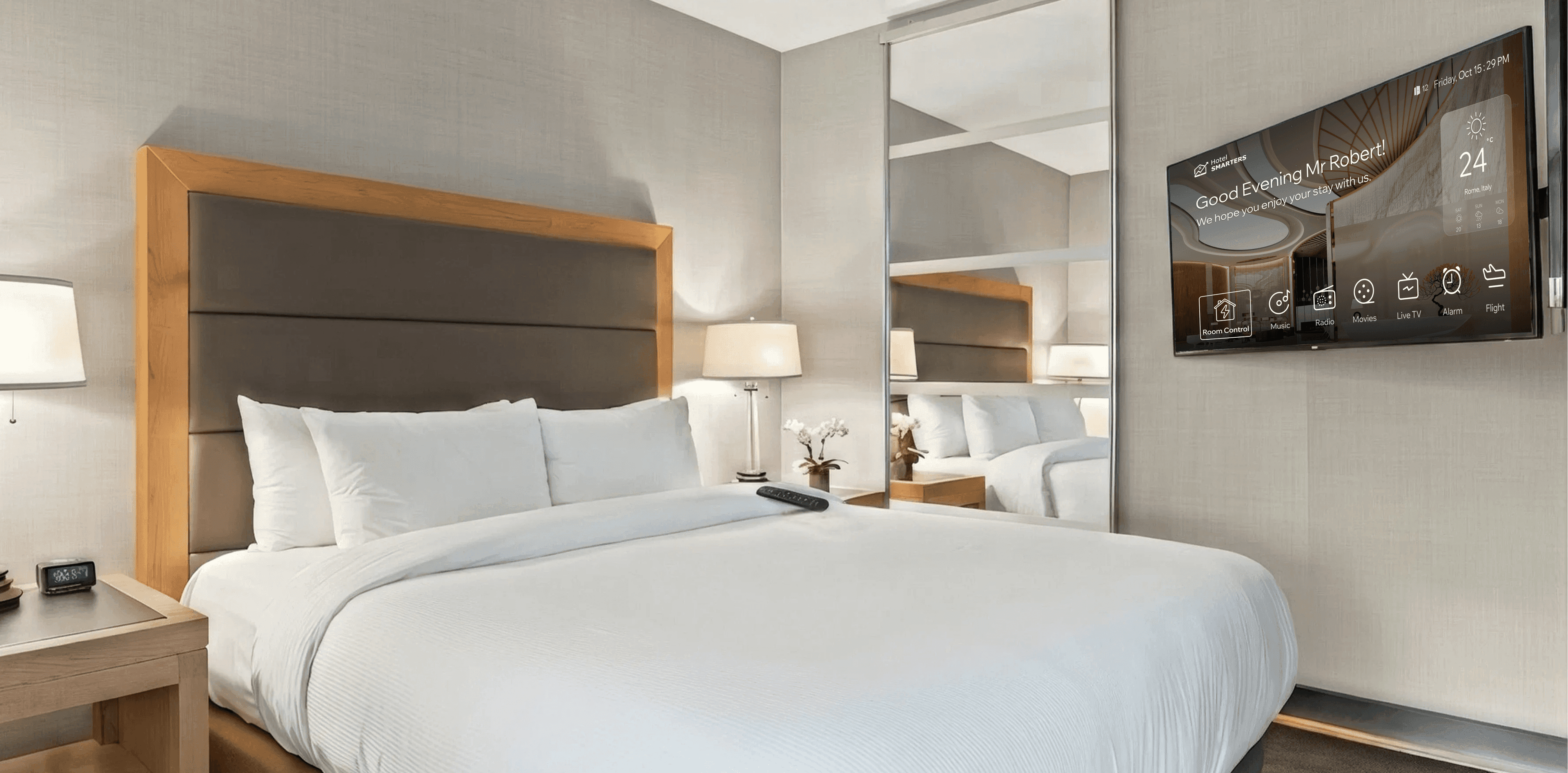
HotelSmarters launches the Hotel Casting solution, letting guests cast content from their own phones and laptops to the in-room TV.